


Plugging into Event-Enhancing Tech
Technology should be used for convenience and connection, not as a replacement for engagement, says Caroline Correia of BeEvents.
“Our philosophy is that events exist to connect people—we don’t want technology to be a diversion.”
She shares ways to improve events with tech.
Objective: Make guest registration more efficient
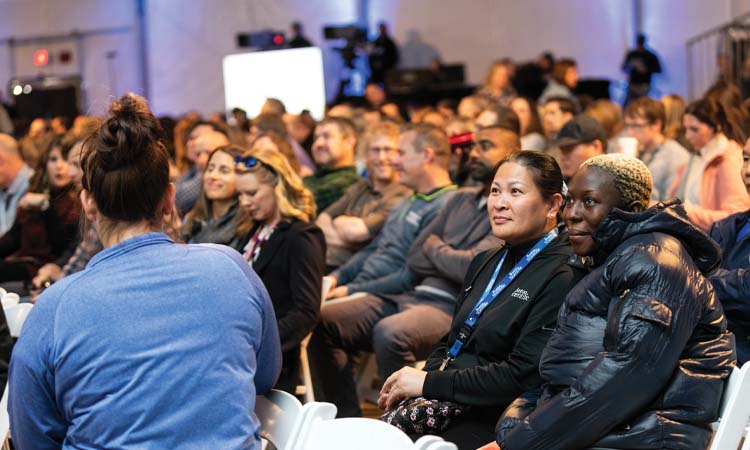
Tech solution: No one wants to stand in a long line to check in. Consider a paperless, more efficient solution like the Cvent platform, suggests Correia. Cvent builds an event site customized to your brand, which can check in your guests, promote event reminders, and track data throughout the event, like attendee feedback and registration count.
Find it: cvent.com/en/event-marketing-management/event-registration-software
Objective: Add more play and engagement
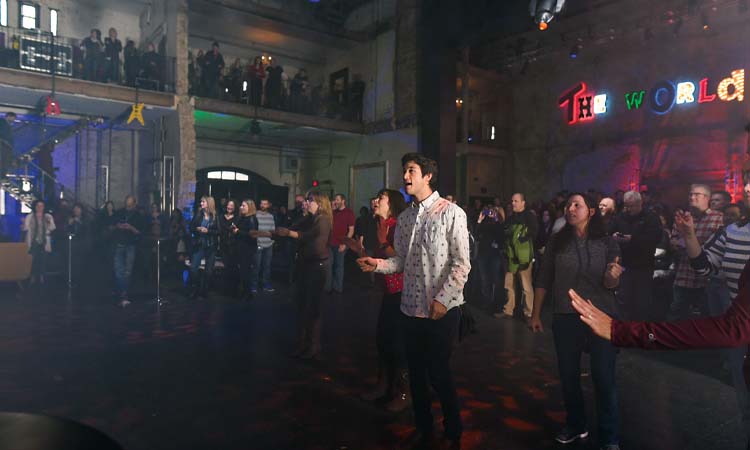
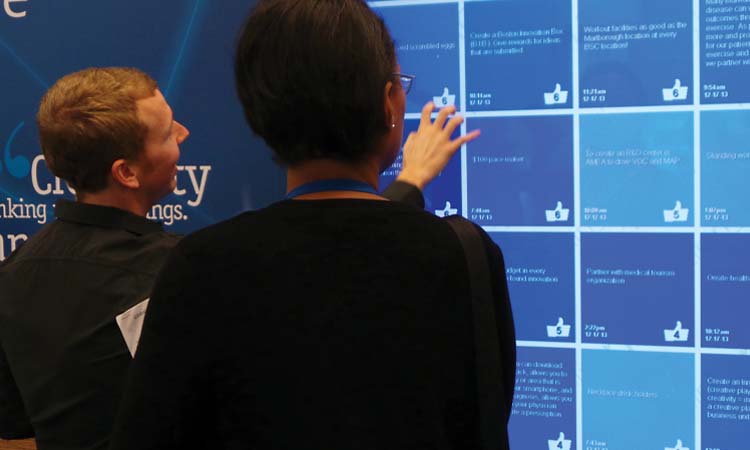

Tech solution: Using gaming elements in nontraditional environments can boost engagement and socialization, says Correia. Consider solutions like leaderboards, rewards, challenges, and gamification to add a bit of fun to your business event. Scavify is a scavenger hunt app offering interactive experiences for team building, events, onboarding, and more.
Find it: scavify.com
Objective: Facilitate networking
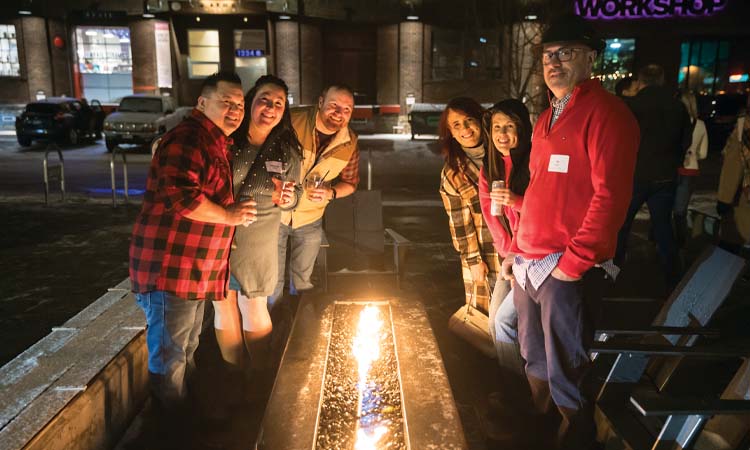
Tech solution: Paper business cards are no longer a given, and most people you meet at an event would prefer to instantly transfer contact information into their digital database rather than enter it themselves. With smart badges and wearables, attendees can share details and content in a single tap, creating instant connections. Correia suggests picking a platform that not only facilitates connections but also starts conversations and matches attendees’ goals.
Three to try: thematchpoint.com; meetmatch.biz; jabberyak.com
Objective: Making an event more accessible

Tech solution: No one wants to have to ask for accommodations, says Correia. “Meeting your audience’s unique needs is the ultimate form of empathy.” That means being prepared for multilingual audiences and people who are hearing or vision impaired. AI-powered platforms make it easy to add real-time closed captioning on livestreams, virtual interpreters for in-person events, headsets for attendees, and live video translation.
Two to try: interprefy.com; wordly.ai
Objective: Measuring event impact

Tech solution: Capturing and analyzing data about attendee engagement and behavior, along with overall event performance, can help planners better understand attendees and set benchmarks for future events, says Correia. Consider experimenting with a variety of data analytics platforms with ROI tracking to go beyond attendee numbers and derive metrics that show the full scope of your event’s impact. Correia recommends platforms like Bear Analytics, Explori, and Vivastream.
Find it: bearanalytics.com; explori.com; vivastream.com
Event Tech Checklist
With so much technology at our disposal, consider these questions before you plug in.

Hybrid events: Yes or yes?
Events professional Brandt Krueger is a firm believer in hybrid events. “There are people in production that will tell you it’s impossible to do a good hybrid event, and I disagree,” he says. “When you do it right, you get all the benefits of both—the networking of an in-person event and the opening up of your event to a wider audience.” Any concerns about people logging on rather than showing up, he says, are outweighed by the opportunity to make your event more inclusive and grow your pipeline.

What areas of my event should I techify?
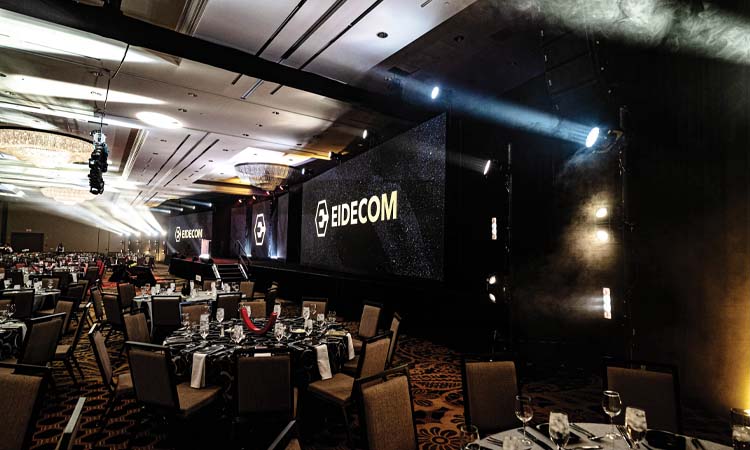
If resources are limited, Caroline Correia, business development leader at BeEvents, highly recommends guest registration as an area to prioritize technology. “It reduces your on-site labor, which helps the budget, and it’s so much more efficient.” A second area to prioritize is networking with an app that allows attendees to connect in advance. Especially for a larger B2B event—in a room full of people who work for different businesses—“they just want to know who to talk to,” she says. Take the time to explore different software that helps attendees cut to the chase.
Do you need a PowerPoint?
It depends, says Krueger. There’s pressure to use slides as a visual aid while you’re speaking, but Krueger suggests thinking about your event environment. “People are looking for an experience,” he says. Does a PowerPoint contribute to an immersive experience, or does it take away from it? People often appreciate being able to go with the flow and be nonlinear, he adds. But if you do use PowerPoint, keep it to big, bold bullet points that support what you say, rather than reading word for word.

Invest in the wow factor.
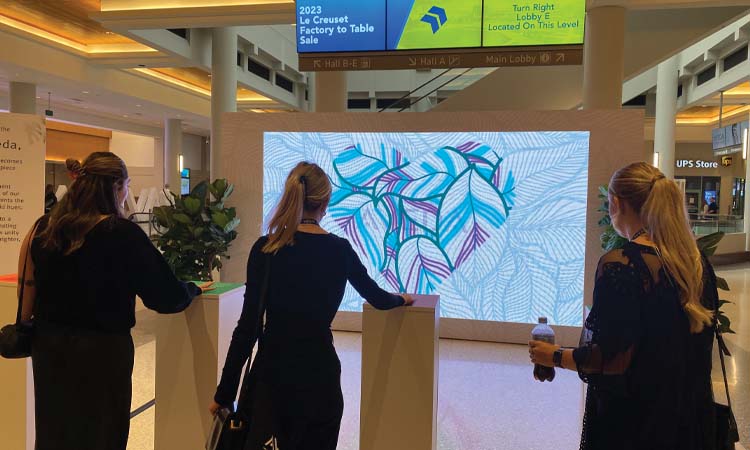
Put your money toward a conversation starter that’s going to make everyone pay attention, says Monica Birrenkott, president of Full Swing Productions, an LED display provider. And your wow factor doesn’t have to be on stage to have an impact, she adds. Instead of a full-stage LED screen, use a smaller screen in the lobby that can be interactive, she suggests. “It’s hard when you have a budget, but think about what’s going to allow you to get your message across and get people talking.”
Does your venue lack tech?
Good! Many event planners prefer a blank canvas when it comes to outfitting an event with technology, Krueger says. If a venue has built-in tech features, like speakers, they’re often already outdated because tech is changing so quickly. “As far as I’m concerned, what a venue needs is easy access to power and internet,” he says. “Then we can work with the client to create that immersive environment.”
“It’s hard when you have a budget, but think about what’s going to allow you to get your message across and get people talking.”
—Monica Birrenkott, President, Full Swing Productions